

Academic paper search
Search academic sources, compare papers, and export research citations.
- Built by
- MMManas Mathur
- Type
- App
- Category
- Research & Academia
- Needs keys
- TinyFish · OpenAI
- Published
- Feb 5, 2026
What it does
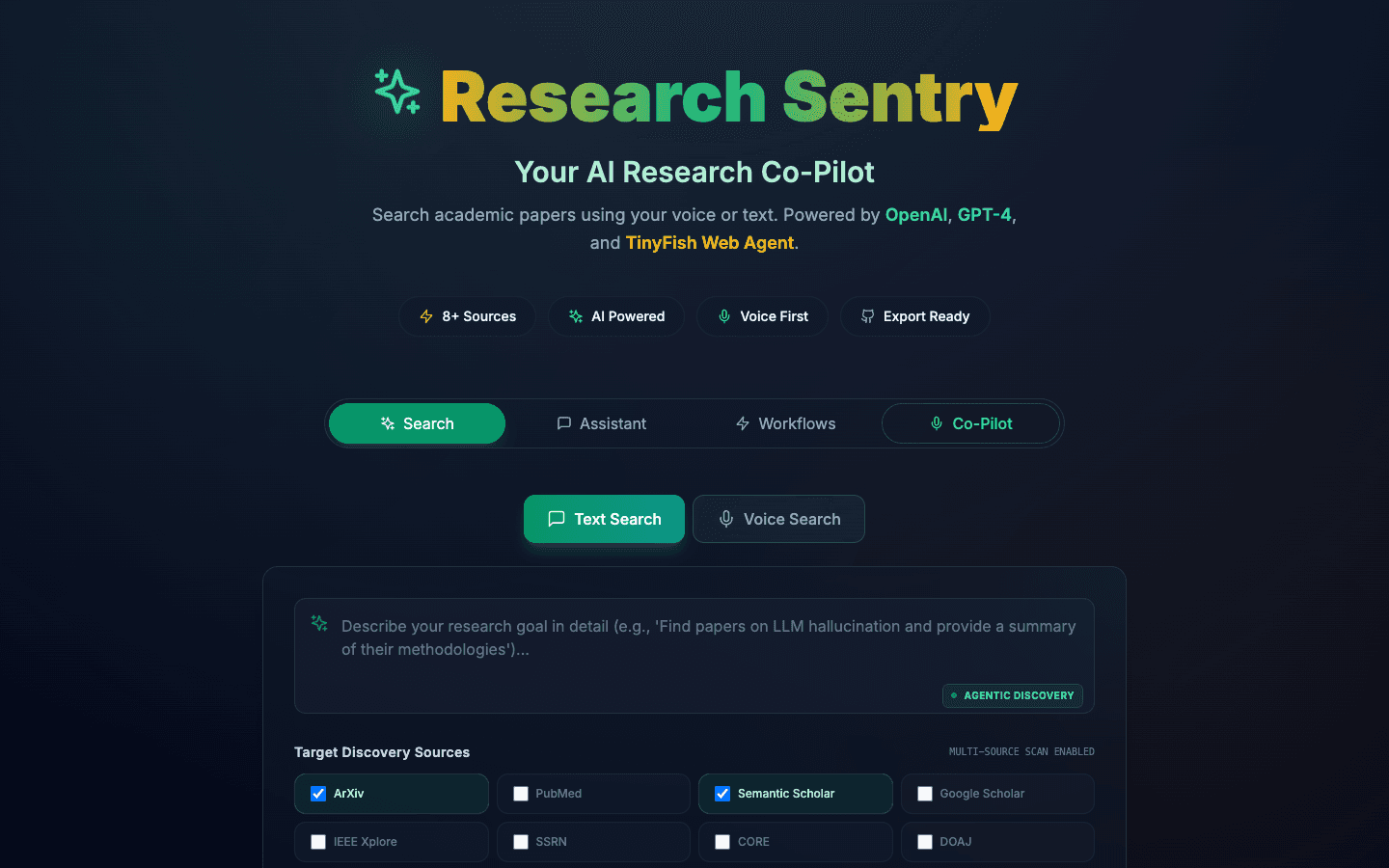
Research Sentry is an academic research workspace for discovering papers across sources including arXiv, PubMed, Semantic Scholar, and Google Scholar. It accepts typed or spoken queries and uses TinyFish browser agents to collect paper metadata.
How to use it
- 01Describe the research question and choose the academic sources to search.
- 02Run discovery and review the returned titles, authors, abstracts, and paper links.
- 03Select useful papers for comparison, request summaries, or ask follow-up questions.
- 04Export selected citations as BibTeX for a reference manager or writing workflow.
What you get
A searchable set of paper cards and tools for comparing methods and findings. Results depend on which sources are accessible; check paper links and relevance before relying on a summary.
Run it locally
Set up Research Sentry from the TinyFish Cookbook on my machine. 1. Clone https://github.com/tinyfish-io/tinyfish-cookbook.git and work in the `research-sentry` folder. 2. Check I have Node.js 22 installed. 3. Run `npm install`, then `cp .env.example .env.local`. 4. In `.env.local`, set `TINYFISH_API_KEY`, `OPENAI_API_KEY`. Ask me for each key; never invent one. 5. Start it with `npm run dev`. 6. When it is running, open http://localhost:3000 and tell me it is ready.
Stuck? support@tinyfish.ai · TinyFish docs
Bring discovery, reading triage, and citation collection into one workspace instead of repeating the same research across separate academic portals.
Related builds
Browse all 8Market research for Vietnam
Turn questions about Vietnamese markets into sourced research briefs.
Accelerator search for founders
Discover accelerator programs and prepare applications from your company profile.
Tender search for Singapore
Find open Singapore tenders, review deadlines, and compare opportunities across sources.