

Brand guides from any website
Turn any company name or URL into a live brand guide: logo, colors, type and voice.
- Built by
- AKAditya Kumar
- Type
- App
- Category
- Marketing & Sales
- Runs on
- TinySearch ·TinyFetch
- Published
- Oct 15, 2026
What it does
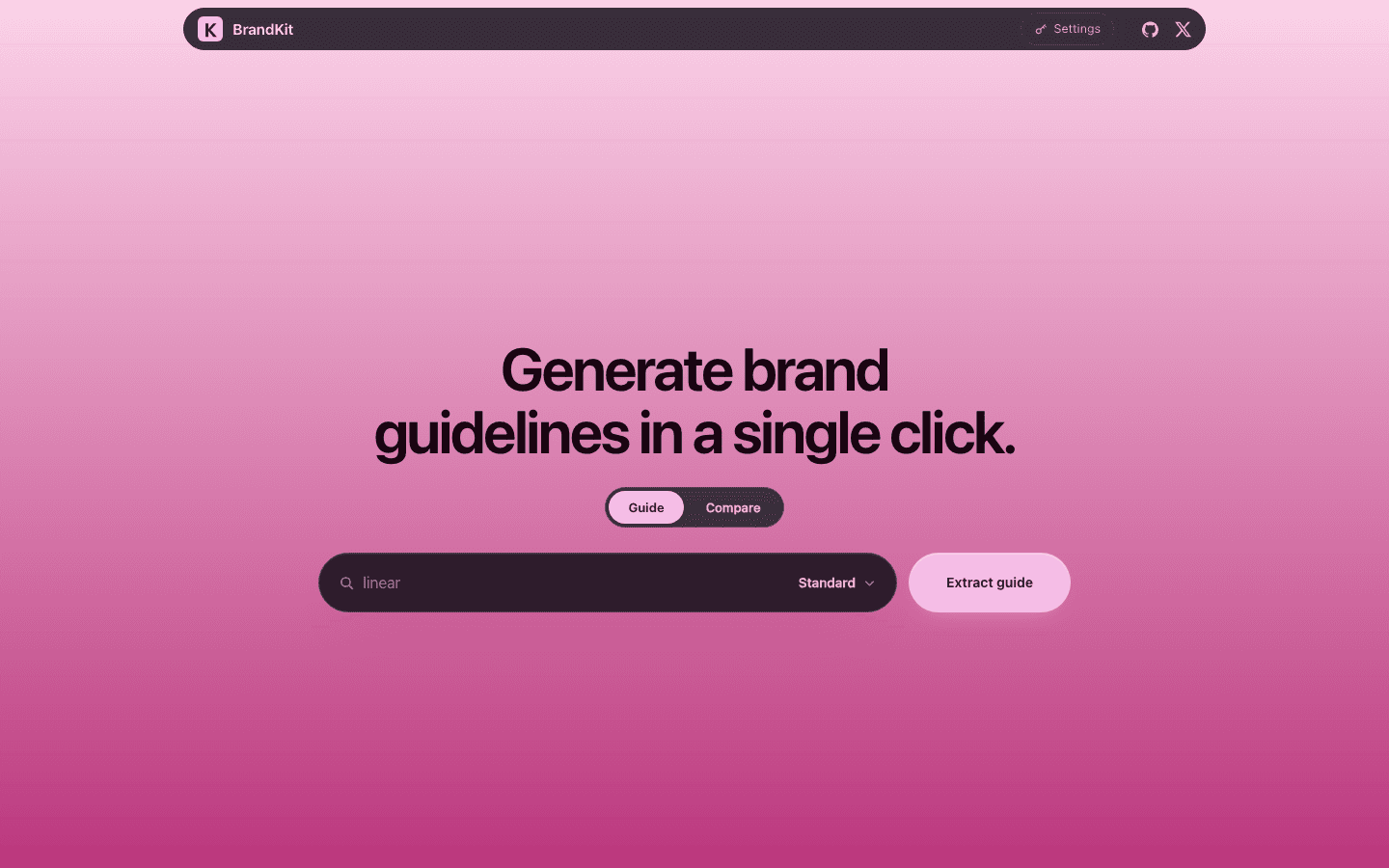
Give BrandKit a company name or a URL. It reads the live site and returns a structured brand guide: verified logo assets, color palette, typography, tone of voice and key messaging. The guide renders in the brand's own colors and typefaces.
How it uses TinyFish
TinyFish Search and Fetch are the entire read layer. There is no direct fetch of the target site, no headless browser and no scraping library. Every value comes from the live site and carries its source.
What you get
A paged brand guide that exports to the tools designers already use: Figma Variables, a Tailwind theme, CSS custom properties, Style Dictionary, Markdown and SVG. No model is required. An optional narration layer writes prose with your own LLM key and cannot change a measurement.
Run it locally
Set up BrandKit from the TinyFish Cookbook on my machine. 1. Clone https://github.com/GxAditya/brandguide.git. 2. Check I have Node.js 20 installed. 3. Run `cd brandguide`, then `npm start`. 4. When it is running, open http://localhost:3000 and tell me it is ready.
Stuck? support@tinyfish.ai · TinyFish docs
Designers and marketers can get a sourced brand guide for any company in minutes instead of rebuilding it by hand from screenshots.
1st place, Student Bounty Drop 001.
Related builds
Browse all 12SEO audits for AI search
See what AI crawlers, fetch tools and agents can read on a page, then fix it.
Tender search for Singapore
Find open Singapore tenders, review deadlines, and compare opportunities across sources.
Job radar for students
Set your preferences once and get a ranked shortlist of live internships and jobs.